Planning a Small Team's Tasks Without Asking Them to Update Anything
task planner for small teams4 min read
Learn how to effectively plan tasks for a small team without requiring constant updates from team members. Discover the benefits of a task planner for small teams.
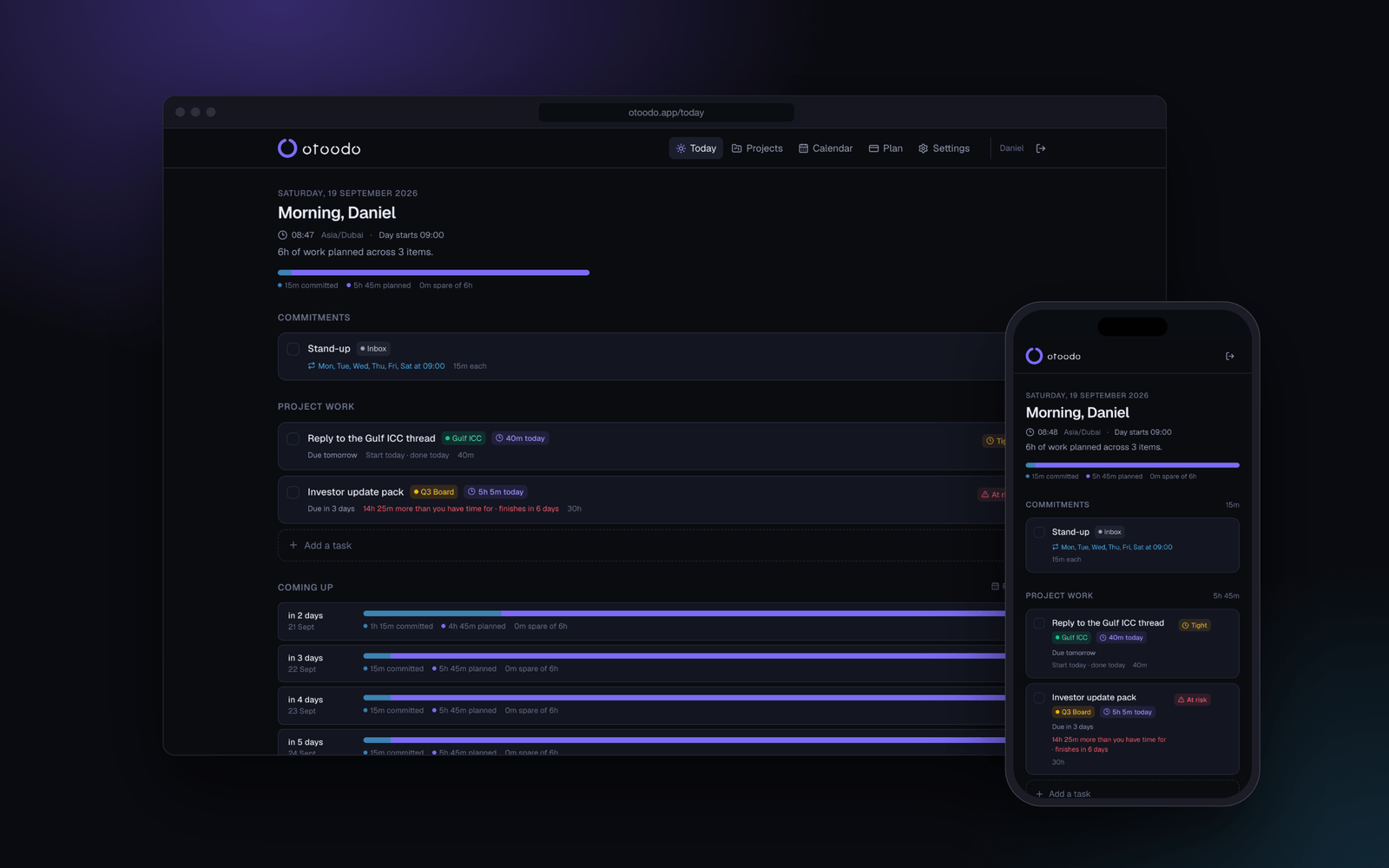
Managing a small team can be a balancing act, especially when it comes to planning tasks and ensuring deadlines are met. The challenge intensifies when team members are not using a shared task management tool, leaving the responsibility on the team leader to keep everything on track. This article explores how to efficiently plan a small team's tasks without requiring them to update anything, focusing on the use of a task planner for small teams.
The short version
- Planning tasks for a small team can be streamlined without constant updates.
- A task planner can help you allocate hours based on each team member's availability.
- By using a planning tool, you can see at a glance what needs to be done today.
- Effective planning reduces stress and helps prevent missed deadlines.
Understanding the Challenges of Task Planning
When managing a small team, especially in a studio environment with around five members, the traditional approach often involves asking each member to update their tasks regularly. This can lead to several issues:
- Time Consumption: Constantly asking for updates can take up a significant amount of time that could be spent on actual work.
- Inconsistencies: Different team members might interpret deadlines and task priorities differently, leading to inconsistencies in project execution.
- Overwhelm: Team members may feel overwhelmed by the pressure to constantly update their task status, which can affect morale and productivity.
How a Task Planner for Small Teams Works
A task planner like otoodo takes into account each team member's available hours and the deadlines for tasks. Here’s how it works:
- Set Working Hours: Define the working hours for each team member. For instance, if each member works six hours a day, you can input this into the planner.
- : Enter tasks with their respective estimates and due dates. Each task should include a title, description, and the estimated time required to complete it.
Example of Planning Tasks for a Small Team
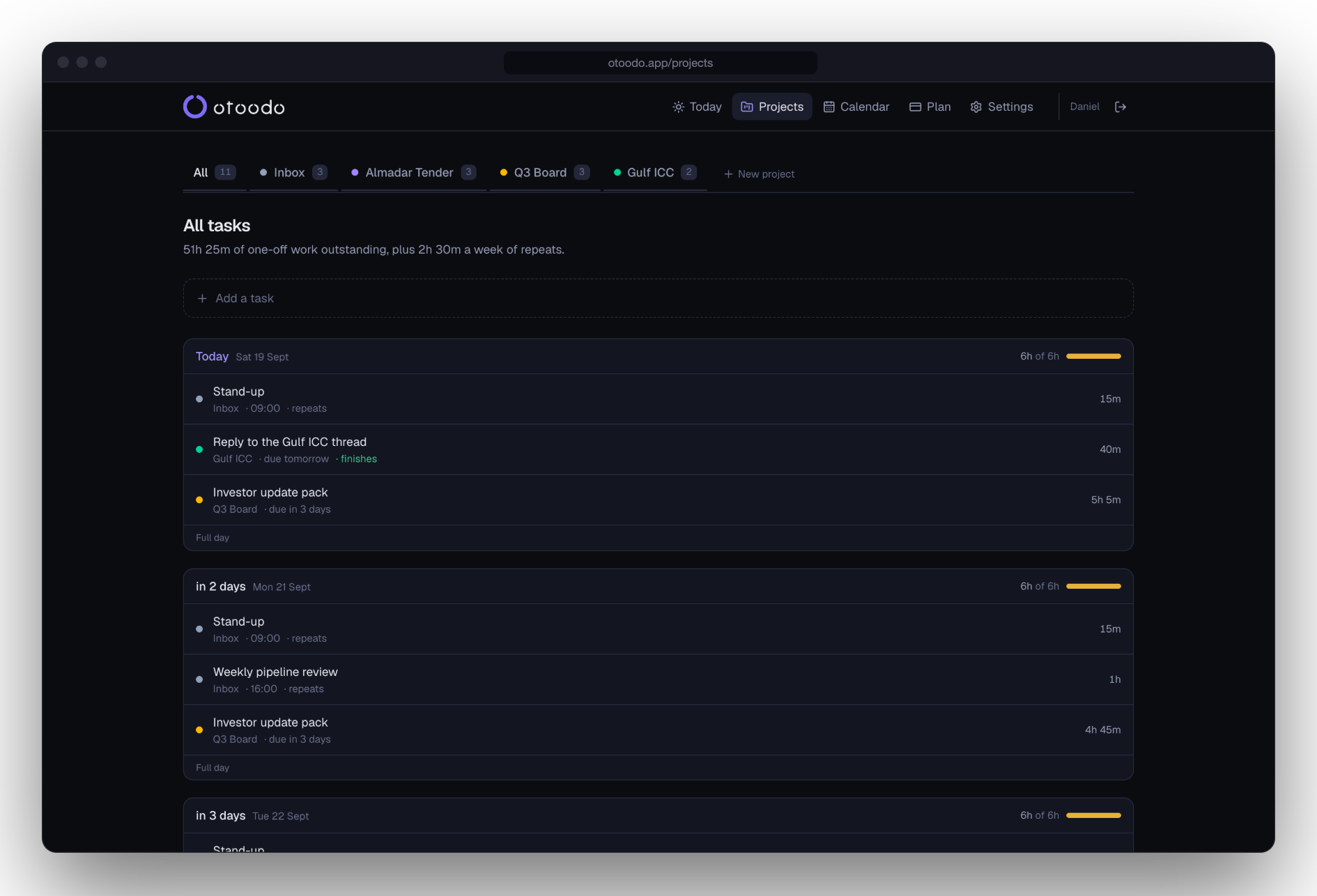
Let’s consider a scenario where you manage a small design studio with five team members. Each member works six hours a day, and you have the following tasks to complete this week:
Benefits of Using a Task Planner for Small Teams
- Clarity: Everyone knows what they are responsible for without needing to check in with each other constantly.
- Reduced Stress: Team members can focus on their work instead of worrying about updating their task status.
- Visibility: As the team leader, you have a clear view of the workload and can make informed decisions about task allocation.
- Efficiency: Tasks are planned based on available hours, reducing the risk of cramming work into the last minute.
Addressing Potential Weaknesses
While using a task planner has many benefits, it is essential to consider some potential weaknesses:
- Estimation Errors: If team members underestimate the time required for tasks, it can lead to unrealistic planning. To mitigate this, encourage team members to provide rough estimates based on their past experiences.
- Task Dependencies: Some tasks may depend on others being completed first. Ensure that these dependencies are accounted for in the planner to avoid bottlenecks.
- Team Engagement: A planner can take the onus off team members, but it may also lead to disengagement if they feel disconnected from the planning process. Regular check-ins can help maintain engagement without requiring constant updates.
Practical Implementation of otoodo
To implement otoodo effectively in your small team, follow these steps:
- Sign Up: Start with a free account to explore the features available.
- Set Up Working Hours: Input the working hours for each team member.
Conclusion
Using a task planner for small teams can significantly streamline the planning process, allowing team leaders to allocate tasks efficiently without requiring constant updates from team members. By focusing on the arithmetic of task management, you can ensure that deadlines are met and workloads are balanced, ultimately leading to a more productive and engaged team.
If you're ready to take control of your team's task planning without the hassle of constant updates, consider trying otoodo. With a free plan that includes the entire planner for one person and three projects, you can see how it works for your team. Start your journey today with fourteen days free, no card required. Sign up now.