A Workload Planning Template You Can Build in Ten Minutes
workload planning template4 min read
Learn how to create a simple workload planning template in just ten minutes. Understand columns, formulas, and the limits of this approach.
In today's fast-paced work environment, managing your workload effectively is crucial. A well-structured workload planning template can help you allocate your time and resources efficiently. This blog post will guide you through creating a simple yet effective workload planning template that you can build in just ten minutes. By the end, you will understand the essential columns and formulas to include, as well as the limitations of this approach.
The short version
- A workload planning template helps you allocate your time effectively.
- Essential columns include task name, due date, estimated time, and actual time.
- Use formulas to calculate total hours and shortfalls.
- Understand when the template may no longer be effective.
Understanding the Basics of Workload Planning
Workload planning is the process of assessing the amount of work you have and distributing it effectively across available time. A workload planning template can help you visualise your tasks, deadlines, and the time required to complete them. This is particularly important for independent consultants, agency owners, and freelancers who juggle multiple projects and deadlines.
A good workload planning template should include the following key elements:
Building Your Workload Planning Template
To create your workload planning template, you can use a spreadsheet application like Microsoft Excel or Google Sheets. Here’s how to set it up:
Adding Formulas
To effectively track your workload, you will need to input some formulas into your spreadsheet:
- Shortfall Calculation: In the Shortfall column (E), you can use the formula
=C2-D2to calculate the difference between the Estimated Time and Actual Time. This formula will help you see if you are over or under capacity for each task. Drag this formula down to apply it to all rows. - Total Hours: To get a sum of all the estimated and actual hours, you can use the formula for Estimated Time and for Actual Time. Place these formulas in the row below your last task.
Example of the Workload Planning Template
Let’s take a closer look at how the template works in action. Here’s an example with three tasks:
Limitations of the Workload Planning Template
While this workload planning template can be a helpful tool, it does have its limitations. Here are some honest considerations:
- Estimates May Be Wrong: The accuracy of your workload planning depends heavily on how well you estimate the time required for each task. If your estimates are consistently off, the template will provide misleading insights.
When to Consider Alternatives
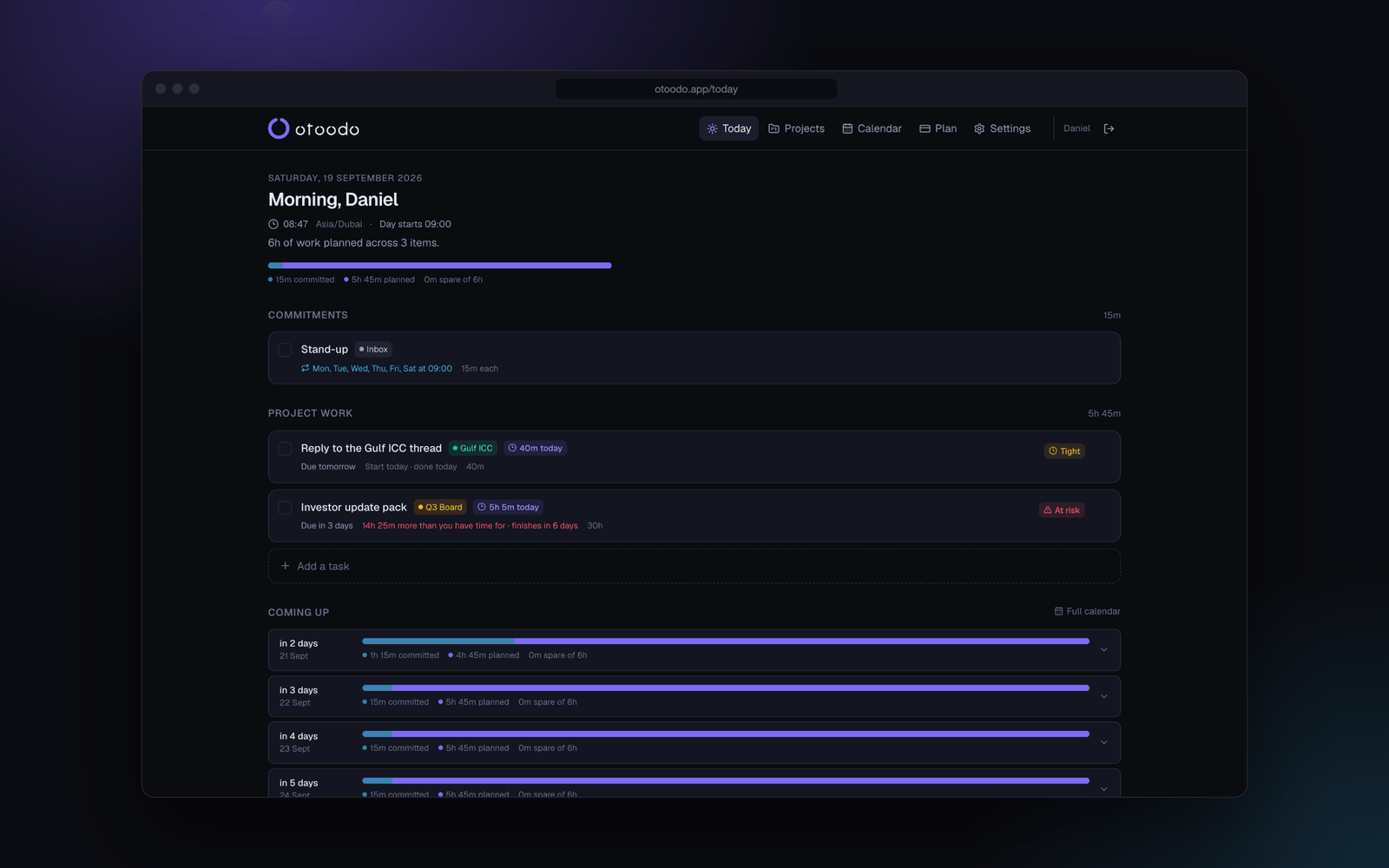
If you find that maintaining your workload planning template becomes too burdensome, or if your projects are growing in complexity, it may be time to consider alternative solutions. Tools like otoodo offer a more advanced approach to workload management by providing features that help you understand your deadlines and capacities in real-time.
With otoodo, you can see exactly how many focused hours each of your weekdays holds and what today must contain for every deadline to land. It computes feasibility exactly and reports any shortfalls in hours, helping you plan more effectively.
Conclusion
Creating a workload planning template can be a valuable exercise in understanding how to allocate your time effectively. By setting up columns for task names, due dates, estimated and actual times, and calculating shortfalls, you can gain insights into your workload. However, be mindful of the template's limitations, such as the potential for inaccurate estimates and the maintenance required over time.
If you find yourself struggling to keep up with your workload or if your projects become more complex, consider using otoodo for a more comprehensive solution. With its ability to do the arithmetic for you, otoodo helps you know what today must contain and when a deadline is impossible.
Fourteen days free, no card. Start your journey with otoodo today.