The capacity spreadsheet you keep rebuilding
Agencies5 min read
Why every agency owner builds the same sheet, why it always dies, and what to do about it.
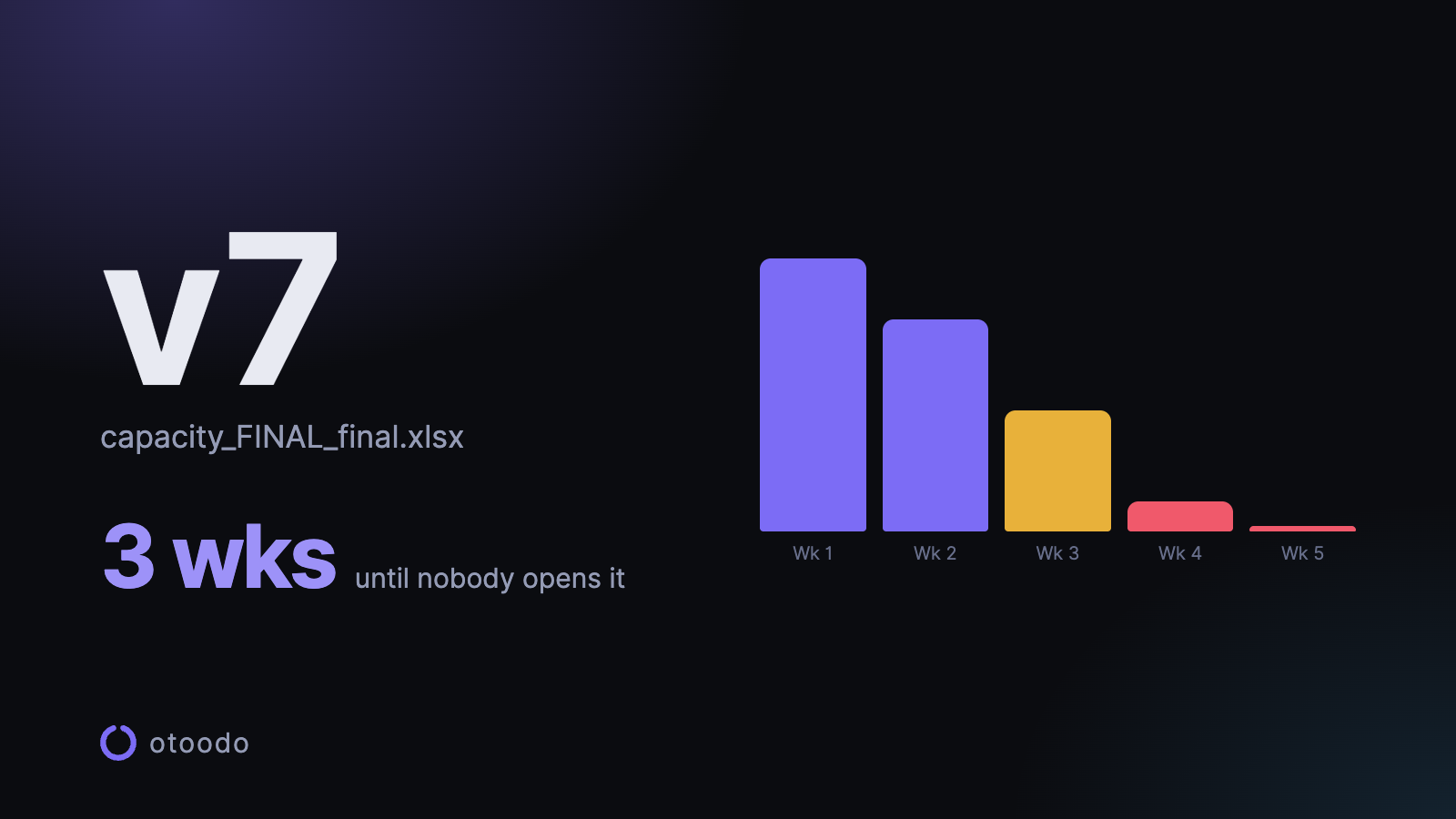
Most people who run a small agency or consultancy have built this sheet. Rows for people, columns for weeks, hours in the cells, a total row at the bottom that goes red when it's over.
It is a good sheet. It answers a real question. And it is dead within six weeks, every time, and you build it again next quarter.
Worth understanding why, because the reason is not laziness.
Why the sheet dies
It is a snapshot of something that moves. The moment you finish it, it is correct. Then a client slips a date, a task turns out to be twice the size, and somebody adds work in a meeting you weren't in. By Wednesday the sheet is wrong, and a plan that is wrong is worse than no plan, because you might act on it.
Updating it costs more than it returns. Fifteen minutes to bring it back in line, several times a week, forever. That is an hour a week to maintain a document whose only reader is you. Nobody sustains that, and stopping is the rational choice, not the weak one.
It has no opinion. The sheet shows you that week 34 is at 130%. It does not tell you which piece of work should move, or what today should contain, or how many hours short you are on a specific commitment. You still have to do all the thinking; the sheet just gives you somewhere to look at the problem.
It is separate from where the work lives. The tasks are in email, a to-do app, someone's head and a project tool. The hours are in the sheet. Two systems that must be reconciled by hand always diverge, and the one that diverges is always the one nobody is forced to open.
What the sheet was actually for
Strip it back and the sheet exists to answer three questions:
- Is anyone overloaded, and when?
- Can I say yes to this new piece of work?
- What should be worked on today?
Every one of those is a function of the same four inputs: what the work is, how long it takes, when it is due, and how many hours each person has. Which means the sheet is not really a document at all. It is a calculation that has been frozen at a moment in time, and its whole problem is the freezing.
Three ways out, and what each costs
Keep the sheet, accept the decay. Rebuild it quarterly, use it for planning conversations and not for daily decisions. Cheap, honest, and genuinely fine for a business that plans in quarters rather than days. It stops working the moment you have more than three or four concurrent commitments.
Move to a project-management tool. Asana, Monday, ClickUp, Notion. They hold tasks and dates properly and they do not go stale.
Two problems. The first is that most of them still cannot do the arithmetic — they will show you a timeline, but a Gantt bar does not know your Tuesday holds four hours. Some have a resourcing module; it usually costs more and needs everyone's time logged to be worth anything.
The second is bigger, and anyone who has tried this knows it: the team won't use it. You buy it, you fill it in, and within a month you are the only person opening it. Now you are maintaining a spreadsheet with a login page. Why that happens, and how to plan around it, is a post of its own.
Have one person do the planning, with a tool built for the calculation. This is the option people rarely consider, and for a small team it is usually the right one. The principal — who is already doing this arithmetic in their head — keeps the plan. Everyone else keeps doing their work and gets told what it is.
That sounds regressive until you notice it is what is already happening. The sheet is one person's. The reconciling is one person's. The only thing the project tool added was the fiction that the team would maintain it.
| Way out | Good for | The catch |
|---|---|---|
| Keep the sheet, rebuild it quarterly | Planning conversations in a business that plans in quarters | Stops working past three or four concurrent commitments |
| A project-management tool | Holding tasks and dates without going stale | Most cannot do the arithmetic, and the team won't use it |
| One person plans, with a tool built for the sum | A small team whose principal already does this in their head | Sounds regressive, until you notice it is already happening |
What "built for the calculation" means
If you go the third route, the tool has to do four things the sheet cannot:
- Recompute on every change. Nobody updates anything; changing a due date is the update.
- Hold each person's real hours, per weekday, with one-off overrides for holidays and half days. A single "capacity" number per person is the same fiction as the eight-hour day.
- Spread work rather than stack it. A ten-hour job due in a fortnight should ask for an hour a day, not sit at the top of today's list because it happened to be next.
- Say no. When a set of commitments does not fit, the tool should say by how many hours — not colour a cell and leave the reader to work out what to do.
That last one is what separates a planner from a dashboard. A dashboard shows you the problem. A planner tells you the size of it.
| The sheet | A tool built for the calculation | |
|---|---|---|
| When something changes | You update it by hand | Changing the due date is the update |
| A person's hours | One capacity number | Per weekday, with one-off overrides |
| A ten-hour job due in a fortnight | Wherever you typed it | About an hour a day |
| Work that does not fit | A red cell | A shortfall in hours |
The honest summary
The spreadsheet was never wrong. It was right, and then it was stale, and keeping it un-stale is a job nobody wants and nobody should have.
Anything that replaces it has to do the same sum, on the same four inputs, and do it again automatically every time one of them changes. If it does that, it is worth the switch. If it just gives you a nicer place to type the same numbers by hand, it is a spreadsheet with worse keyboard shortcuts.
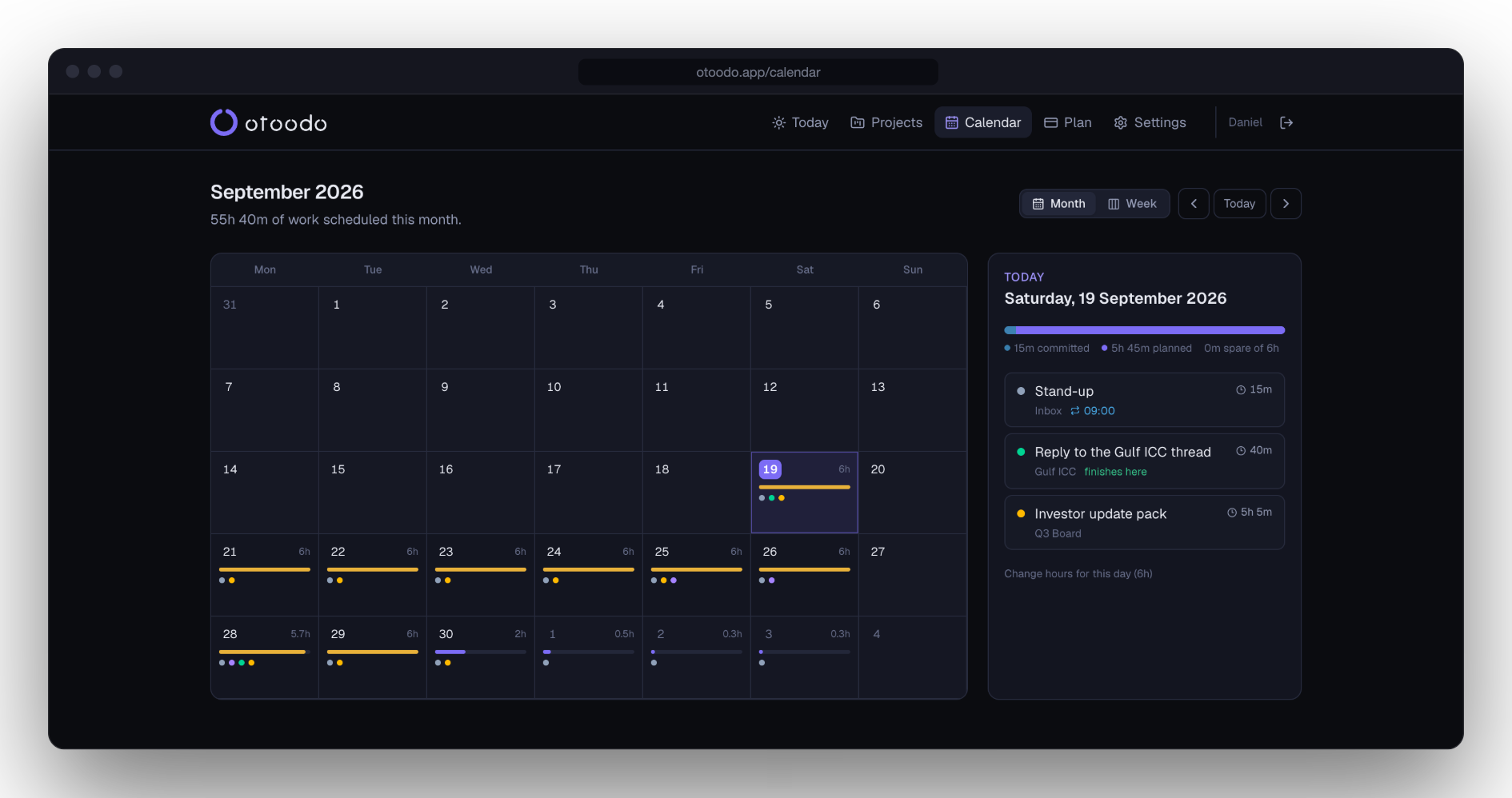
otoodo is the third option, built small: one person plans, each team member has their own working week, delegated work comes out of their hours rather than yours, and nobody needs a login but you. Fourteen days free, no card.